Text-to-Image Search
Build a semantic image search engine using Mixedbread's multimodal and multilingual capabilities.
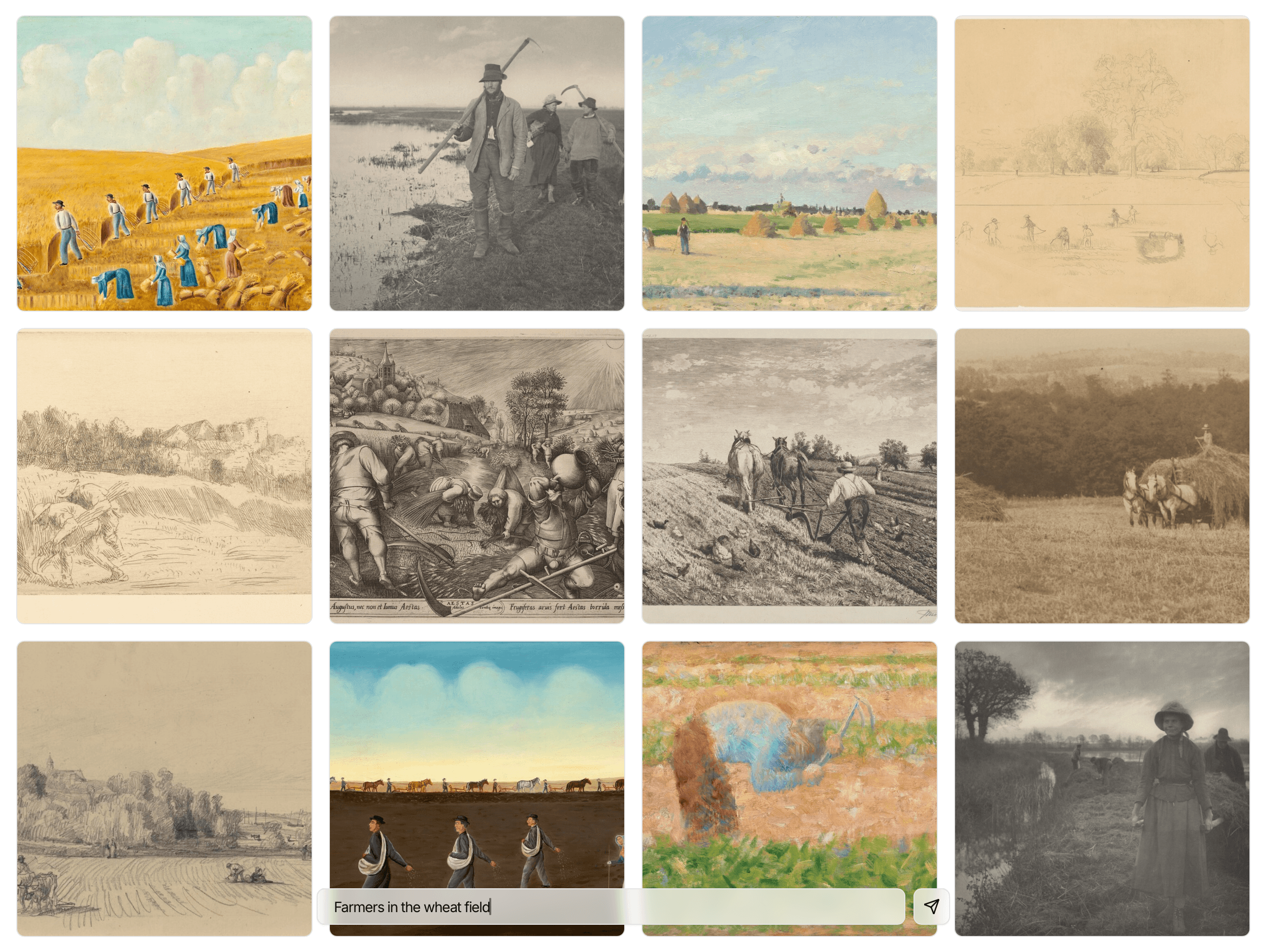
In this cookbook, we build a text-to-image search system using Mixedbread. It demonstrates native image understanding and multilingual search of Mixedbread stores - query images using text in any language.
Prerequisites & Setup
Before you begin, make sure you have:
- API Key: Get your API key from the API Keys page
- SDK: Install the Mixedbread SDK for your preferred language:
pip install mixedbreadGet Sample Images
We'll use 20 sample artworks from the National Gallery of Art Open Data. Download and extract:
curl -L -o nga-artworks-sample.zip https://github.com/mixedbread-ai/cookbook-assets/releases/download/v1.0.0/nga-artworks-sample.zip
unzip nga-artworks-sample.zip
The sample includes a metadata.json keyed by filename:
{
  "daubigny_charles_françois_moonlit_landscape.jpg": {
    "title": "Moonlit Landscape",
    "artist_name": "Daubigny, Charles-François",
    "artist_nationality": "French",
    "medium": "cliché-verre",
    "classification": "Print"
  }
}
Create a Store
First, we need to create a Mixedbread store for our image files:
from mixedbread import Mixedbread

mxbai = Mixedbread(api_key="YOUR_API_KEY")

store = mxbai.stores.create(
  name="image-search-cookbook",
  config={
      "contextualization": {
          "with_metadata": ["title", "artist_name"]
      }
  }
)
By default, Mixedbread stores index images by their visual content.
With metadata contextualization, metadata fields are also included in the embedding - so searching "Daubigny landscape" matches both visual content and artist name.
Upload Images
Now that you have a store, it's time to upload your images with their metadata. The sample includes a metadata.json with artwork details (title, artist, medium, etc.):
import json
from pathlib import Path

with open("metadata.json") as f:
  metadata = json.load(f)

for filename in Path("./images").iterdir():
  file_metadata = metadata.get(filename.name, {})
  mxbai.stores.files.upload(
      store_identifier="image-search-cookbook",
      file=filename,
      metadata=file_metadata
  )
  print(f"Uploaded: {file_metadata.get('title', filename.name)}")
All metadata fields are uploaded and stored. The title and artist_name fields we specified in contextualization are included in embeddings, while other fields remain available for filtering and display in search results.
Search Images
Once all images are uploaded and indexed, you can search as you would describe them (e.g., "ship on the ocean"):
results = mxbai.stores.search(
store_identifiers=["image-search-cookbook"],
query="ship on the ocean",
top_k=3
)
for result in results.data:
meta = result.metadata
print(f"{result.score:.3f} - {meta.get('title')} by {meta.get('artist_name')}")
print(f" URL: {result.image_url.url}")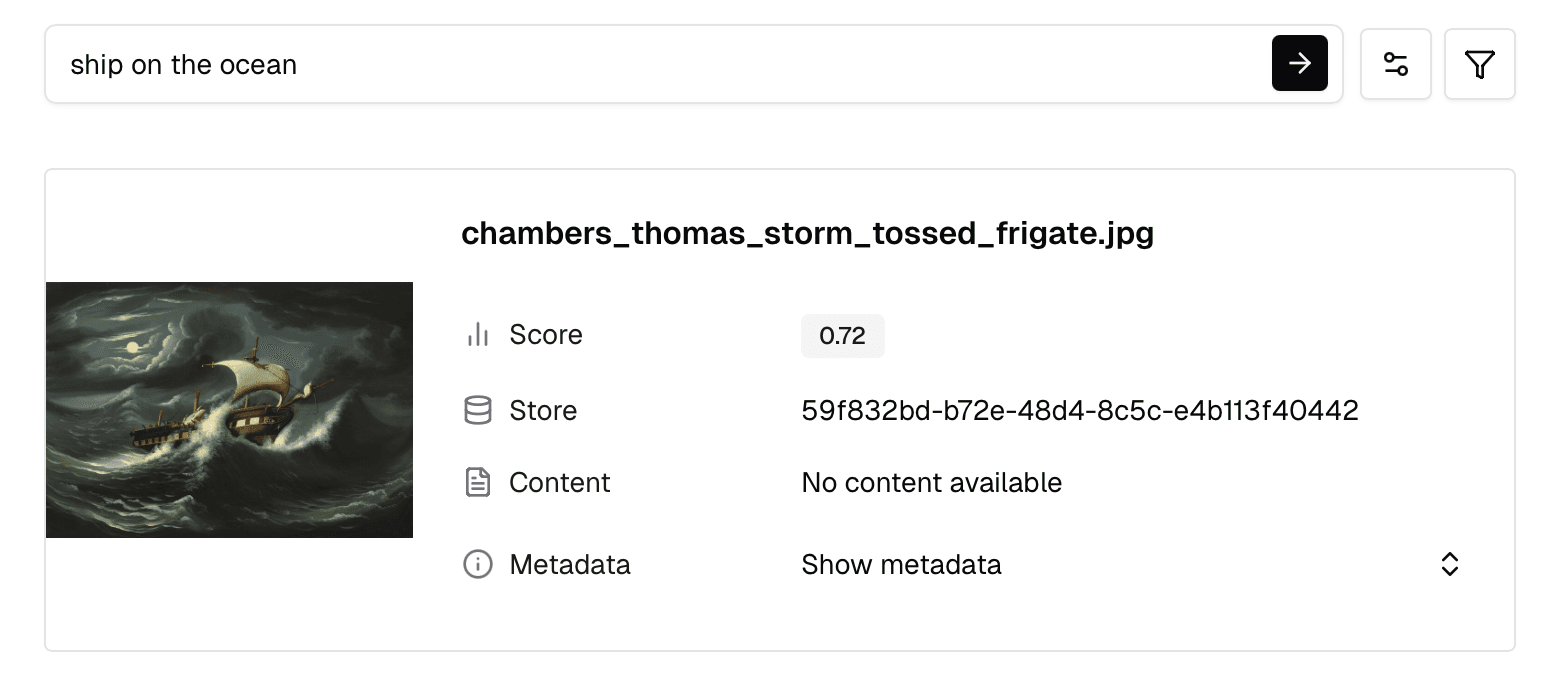 You can also run the same query in your store's dashboard to see results visually.
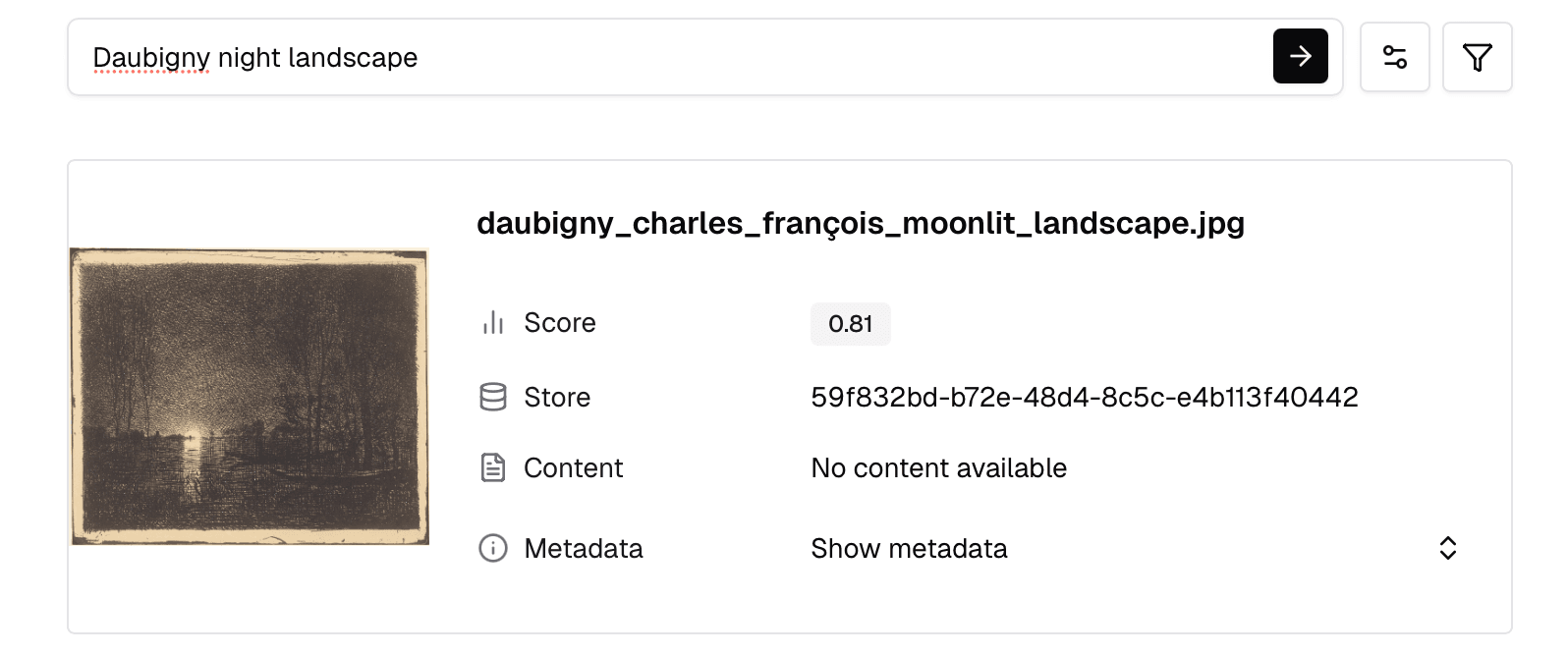
Since we enabled contextualization with artist_name, you can combine visual description and artist in one query - matching both image content and metadata:
results = mxbai.stores.search(
  store_identifiers=["image-search-cookbook"],
  query="Daubigny night landscape",
  top_k=3
)
Mixedbread returns the most relevant results based on the query.
You can set top_k to configure the number of images returned.
For image files, each result is an image chunk containing image_url.url. You can also use metadata to map results back to your original files.
Multilingual Search
The same images can be searched in any language, such as Chinese and German:
# Chinese
results = mxbai.stores.search(
  store_identifiers=["image-search-cookbook"],
  query="海上的船只",  # Chinese for "ship on the ocean"
  top_k=3
)

# German
results = mxbai.stores.search(
  store_identifiers=["image-search-cookbook"],
  query="Schiffe auf dem Meer",  # German for "ship on the ocean"
  top_k=3
)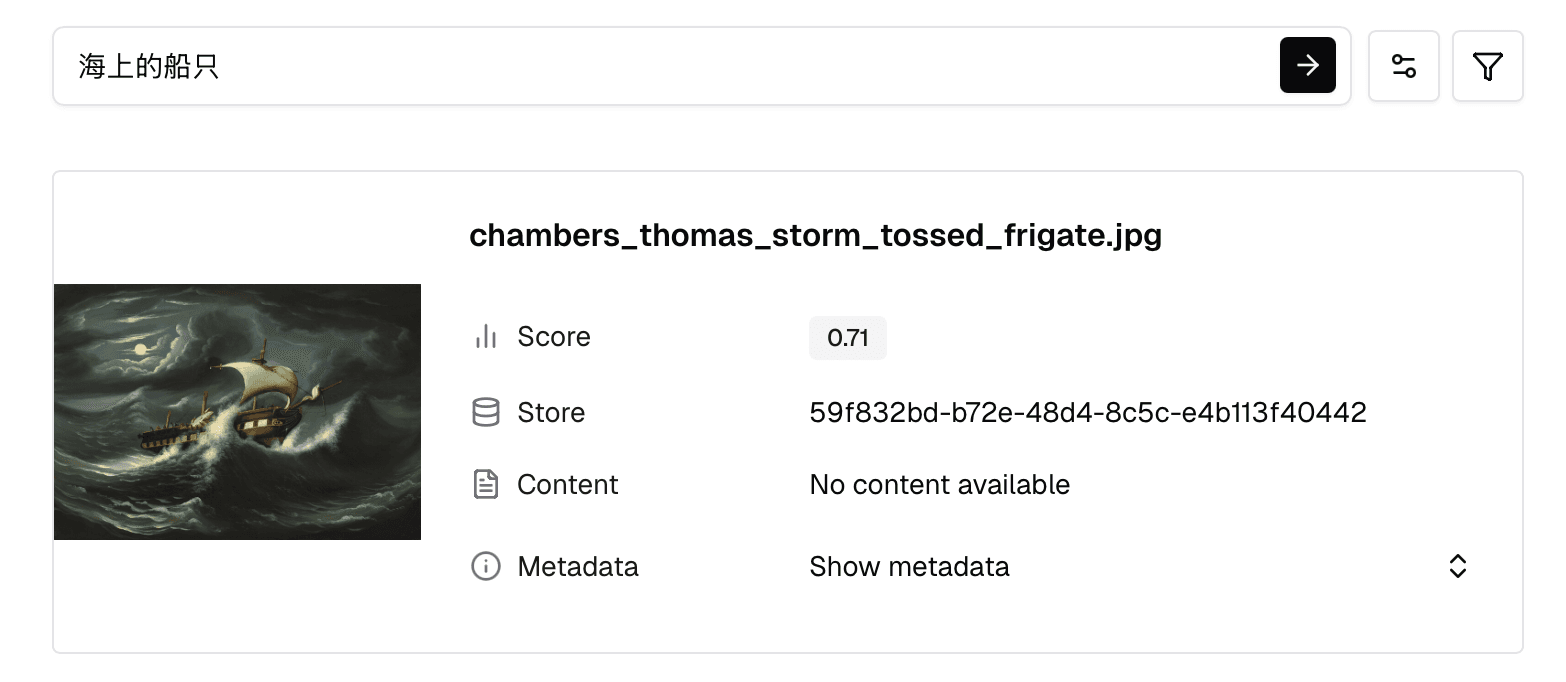
Mixedbread supports all 300+ languages out of the box with zero configuration.
Try It Live
See text-to-image search at scale with the NGA Art Search - 50,000+ artworks from the National Gallery of Art, built with Mixedbread and Next.js.